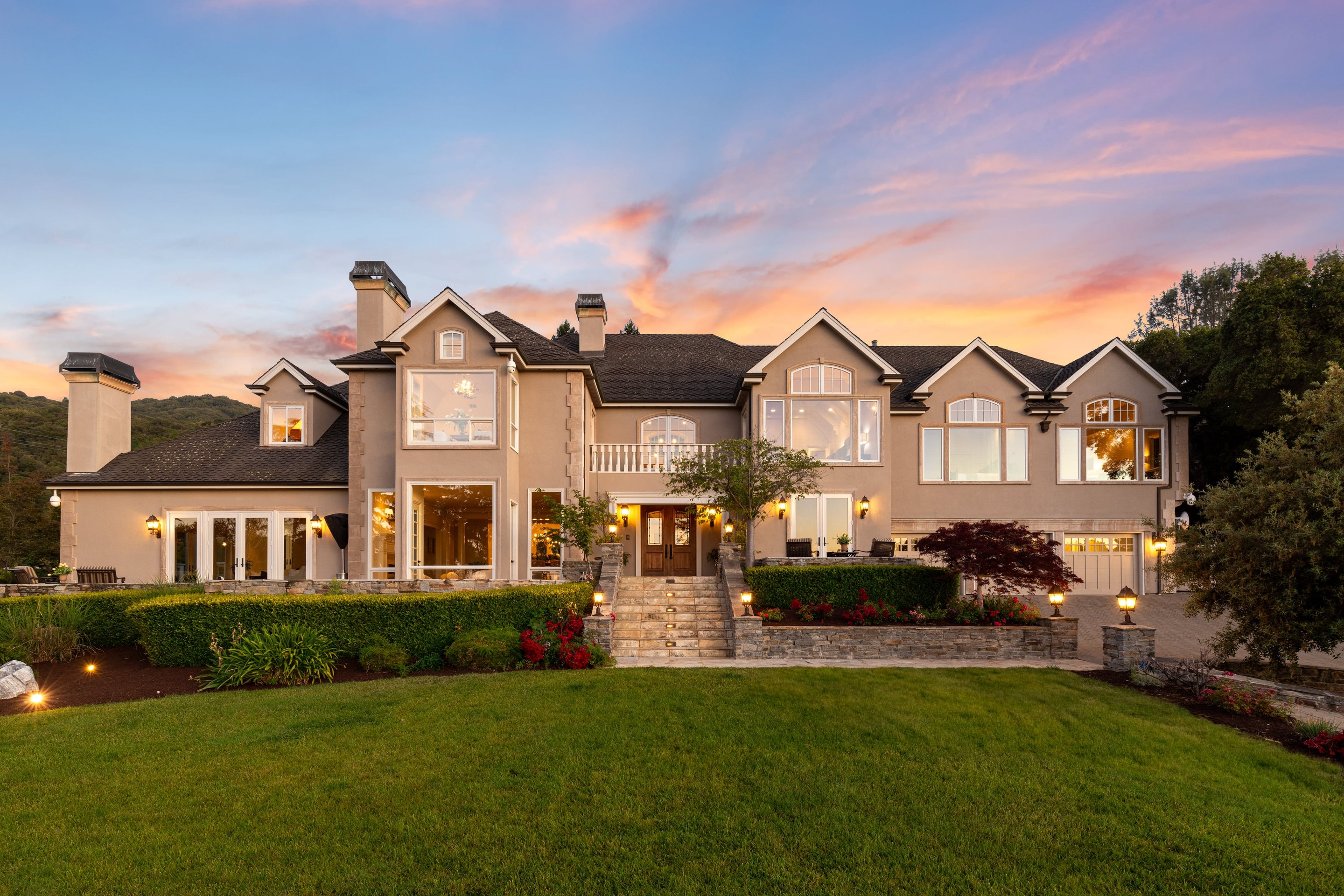



This is a sample post so you can see how the blog looks before your first real one goes up. Every post has a cover photo, a title, a date, a short summary and the text below.
How to write a post
Open Blog posts in the Studio, press the plus button, fill in the fields and press Publish. The post appears on the blog within about a minute. The web address is made from the title automatically.
What you can add
Headings, bold and italic text, links to other pages like the Neighborhoods page, and photos inside the post.